
New Bristol Video Library Opens
I spend a lot of time trying to organise data about Bristol City Council, WECA and many other aspects of life in Bristol.
For example, last year I build a report for Bristol City Council documents, that allowed you to easily see the most recent documents and the most downloaded documents as this is not possible on the BCC website.
See: BCC Document Library is not very usable
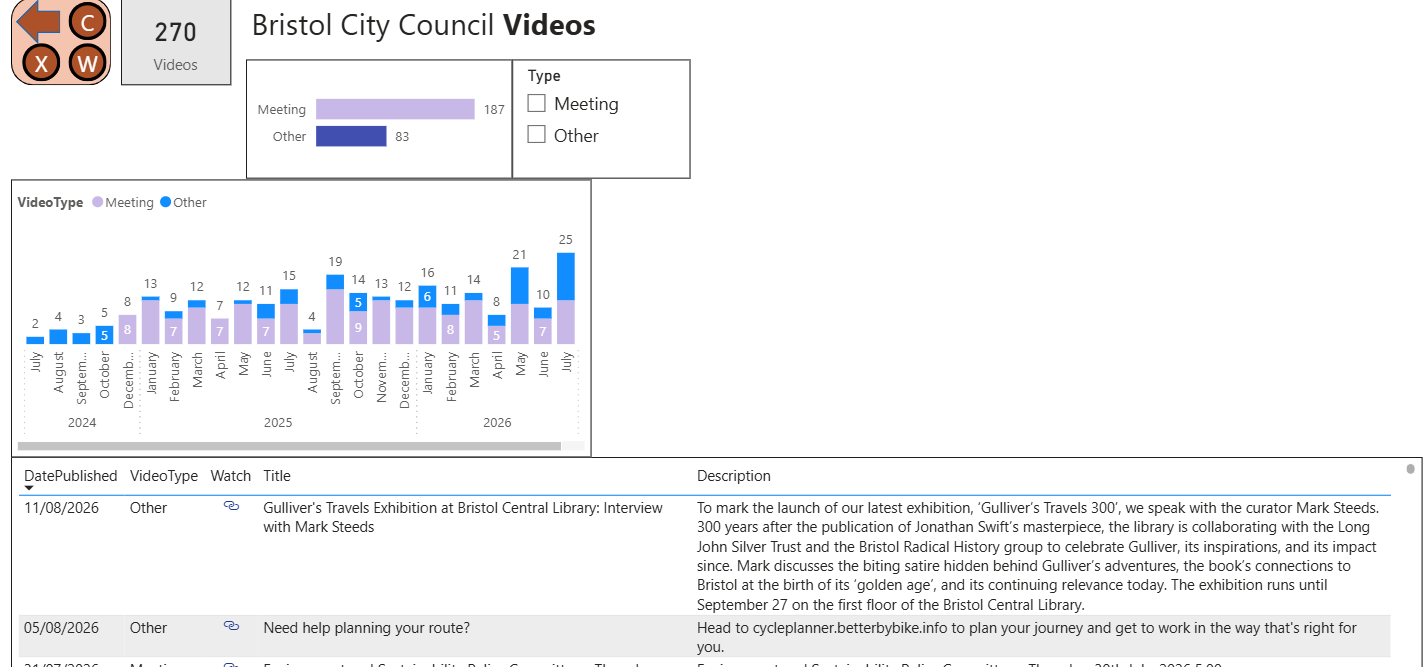
I have also been publishing links to Bristol City Council videos on my Videos report for over a year, but it was pretty basic and was only a simple list.
It only contained videos going back to Mid 2024, and there are a lot more videos in the BCC list.
New Videos Report
I have now upgraded the Videos report to include:
- Historic Videos
- WECA Videos
- Bristol Uncovered Videos
- Community Videos
- Number of Views
- Number of Comments (where comments were enabled at some point)
Categories
There are currently four categories of Videos, but I might add more in the future.
The number of BCC videos has been increased from 270 to 964
There are currently 1,294 Videos in the Library.
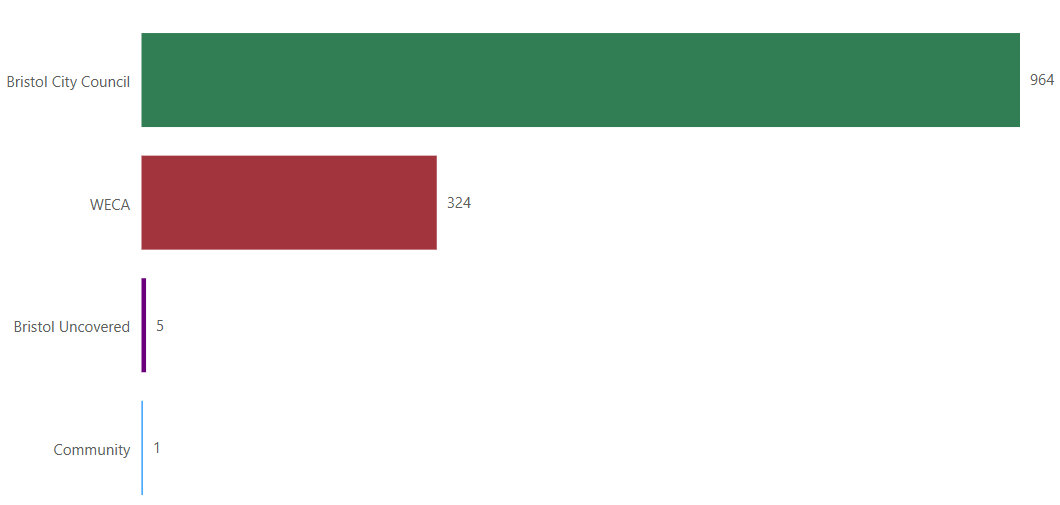
You will see that most of the Videos are from Bristol City Council.
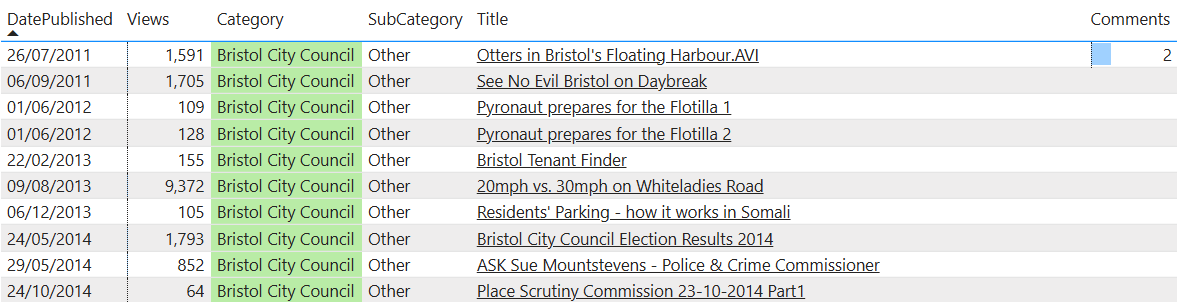
The older videos allow you to watch meetings with George Ferguson and Marvin Rees. The oldest video from 2011 introduces an Otter.
These historic videos will be interesting to people who want to know more about the historic governance of Bristol City Council and WECA.
Published Dates
Some of the videos have actually got published dates that are in the future. This is because BCC and WECA publish a "holding video" before the actual meeting is held.
Comments
My report populates the Comments field if any comments were added to the video. But sometimes Comments are disabled after the video was first published and those comments might no longer be visible.
Community Videos
New BCC and WECA videos will be automatically added every week.
If people want to contribute "Community" videos, then just email me at "[email protected]" with this information:
- The YouTube URL of the video
- The Title of the Video
The Video must be publicly available on YouTube.
The Video must be relevant to Bristol.
Anyone can submit clips (including Councillors). Feel free to provide clips that show the positive side of Bristol, as well as the things that annoy you.
Advertising type videos will not be accepted.
I reserve the right not to include Videos that I deem to be offensive.
I do not earn any money from linking to Videos, but you may see some adverts when you view the videos on YouTube (press the Skip button when it appears).
This is a free service and there are no charges for adding your own Videos and Clips.
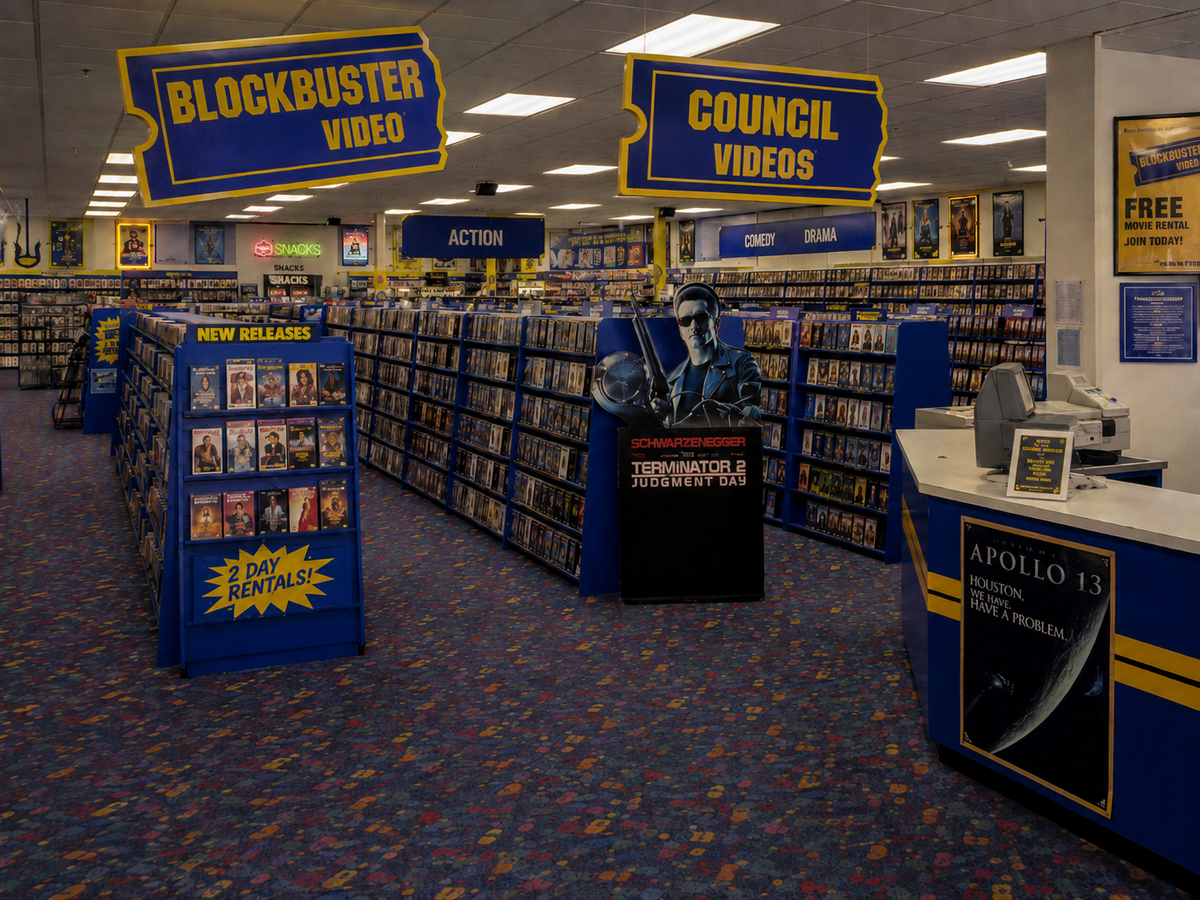
Unlike the "Blockbuster" experience, that are no late return fees and you do no have to rewind any tapes manually.
Once a Video is in the library, then you can also submit "Clips" (see below).
You can add Clips for any of the existing Videos in the library.
New Clips Report
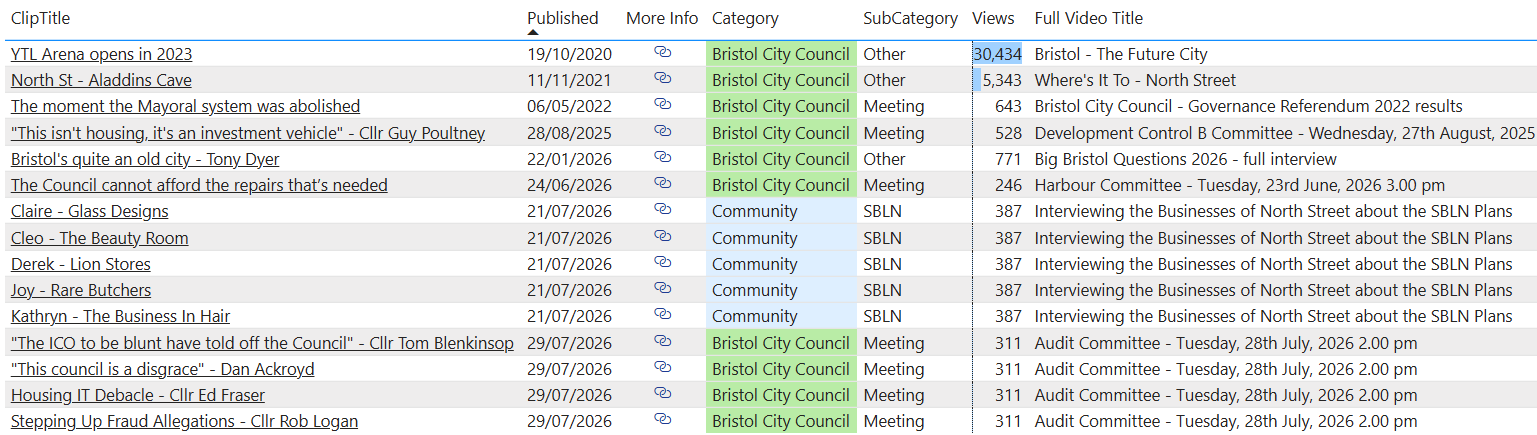
I understand that not many people want to curl up in front of their laptop to watch a three hour council meeting (I quite enjoy it, but I am a bit of a saddo). So I have also introduced a "Clips Library" to help make the video content more accessible.
The library is manually built and new clips from myself and other people can easily be added.
The clip also contains a link to an article, blog post etc. that provides more context for the clip.
Adding New Clips
I am happy to add new clips from other people. All you have to do is provide three pieces of information:
URL
This URL needs to include the start time of the clip in the video.
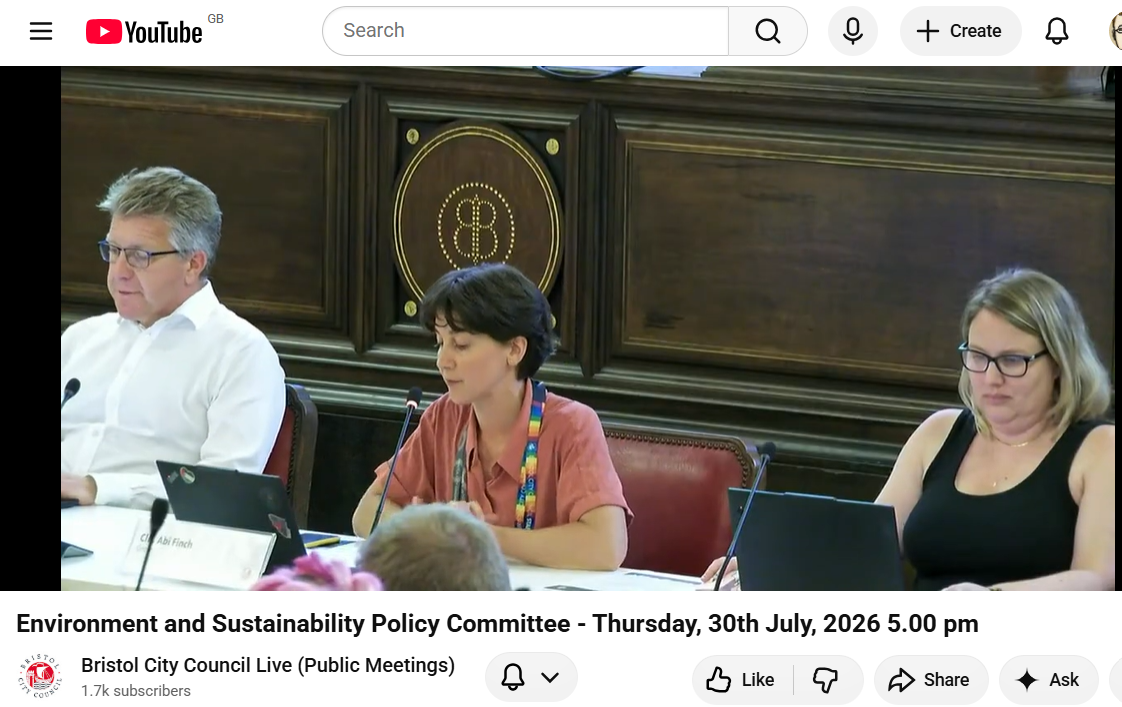
For example, if you wanted to add a clip from the "Environment and Sustainability Policy Committee - Thursday, 30th July, 2026" then just pause at the point you want the clip to start and click on share.
When the Share dialog appears tick the "Start at" box and then click on copy.
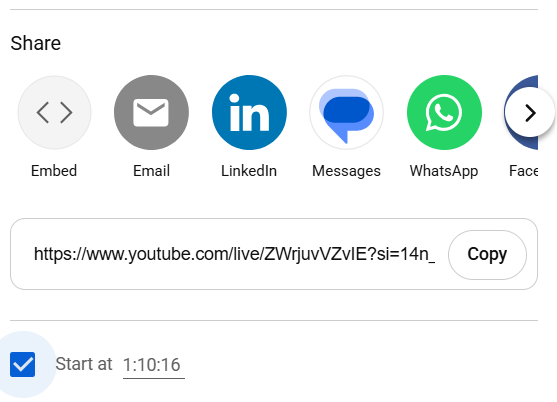
Which will put the URL in your clipboard:
https://www.youtube.com/live/ZWrjuvVZvIE?si=14n_jkd06dLchR7V&t=4216
The paste the link into your browser and check the clip starts at the correct point.
Then copy the URL from the browser as this will be a "tidy" version of the original URL:
https://www.youtube.com/live/ZWrjuvVZvIE?t=4216s
You can then e-mail the 3 data items to me : "[email protected]"
If you want to provide multiple clips then you could put them all into a spreadsheet or with 3 columns of data, and email them to me.
Here is an example of a populated spreadsheet:
You can save this file and add your own clips. Please remove the ones I have added as examples.
Clip Title
Don't make it too long, but try and make it descriptive
More Info
This is an optional data item. You can provide a URL for a relevant internet page that provides more context for the clip. You can provide a link for an article you have written, or a news article, or a committee paper, or anything else that is relevant.
You can explore the Video and Clip Library on BU Reports. Just click on the "Videos" button.
Comments ()