
How to read Bristol Post articles for free (and legally)
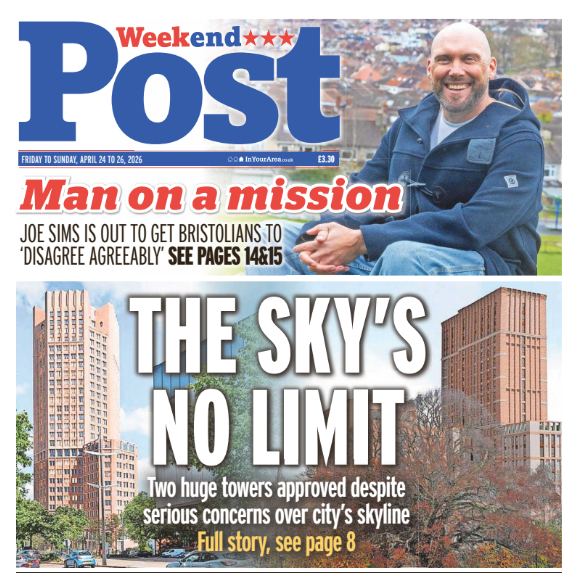
Recently Bristol Live introduced a "Premium" subscription service:
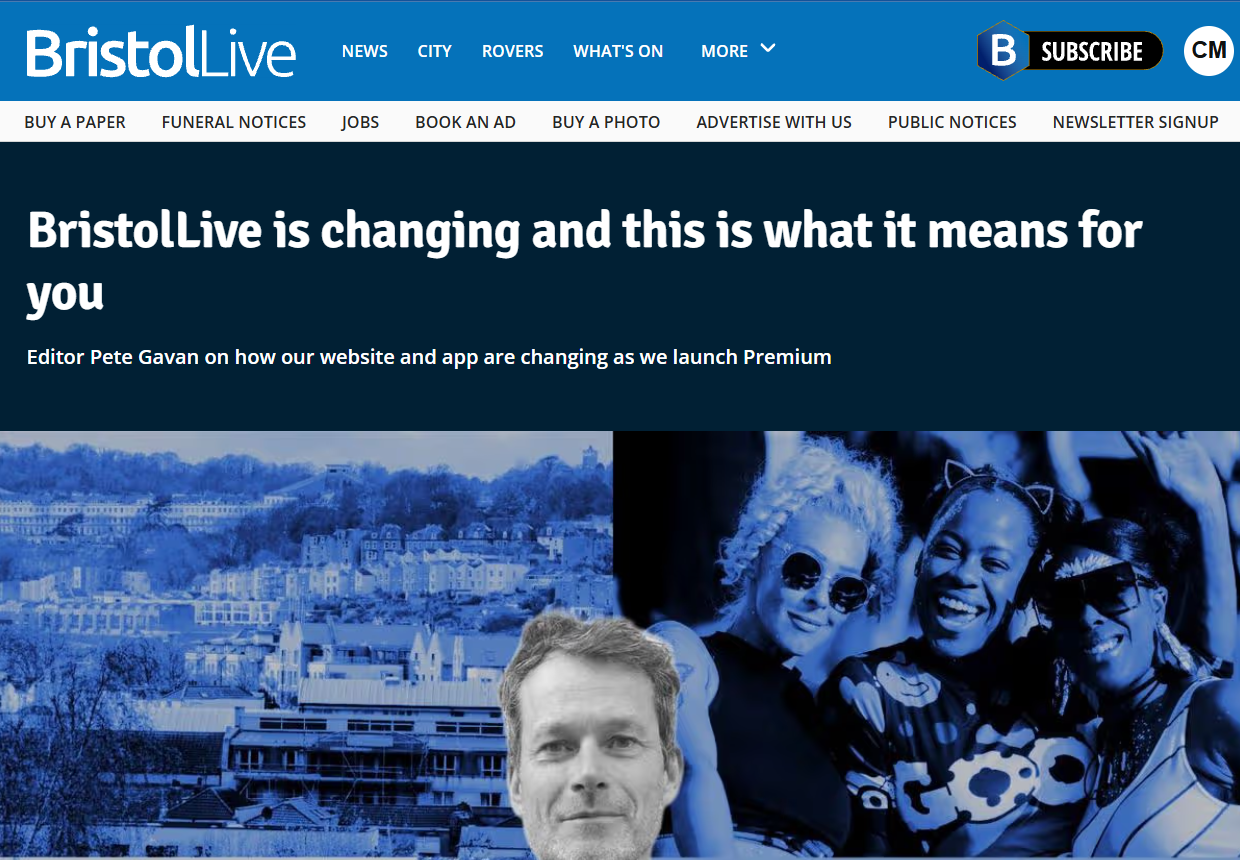
Step 1 - Join the library
Set up your online Library Membership using this link.
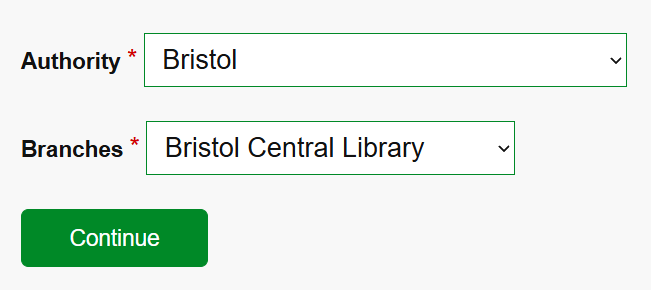
Complete the membership process and you will get a Membership Number.
Please Note: When you select a password it will be referred to as a PIN. So when you are asked for a PIN just use your password.
Step 2 - Set up BorrowBox
You can either download an app on your phone, or you can use the online version of you prefer reading on your laptop.
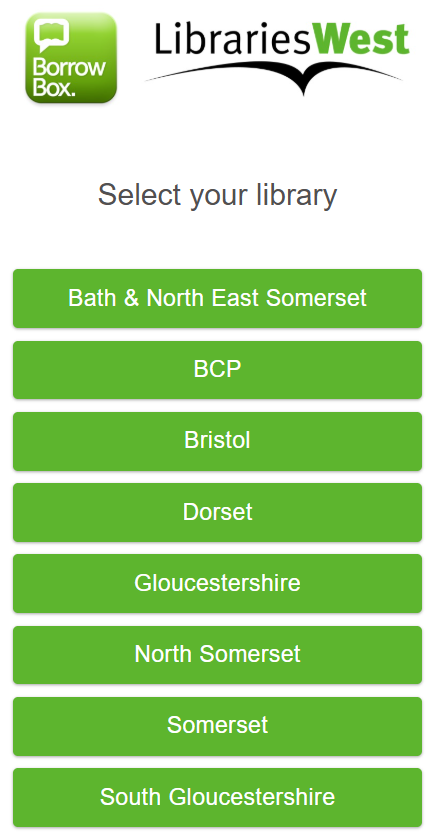
You will be prompted to enter your membership number and your Password (aka PIN).
Step 3 - Borrow/Subscribe Evening Post
Click on "ePress"
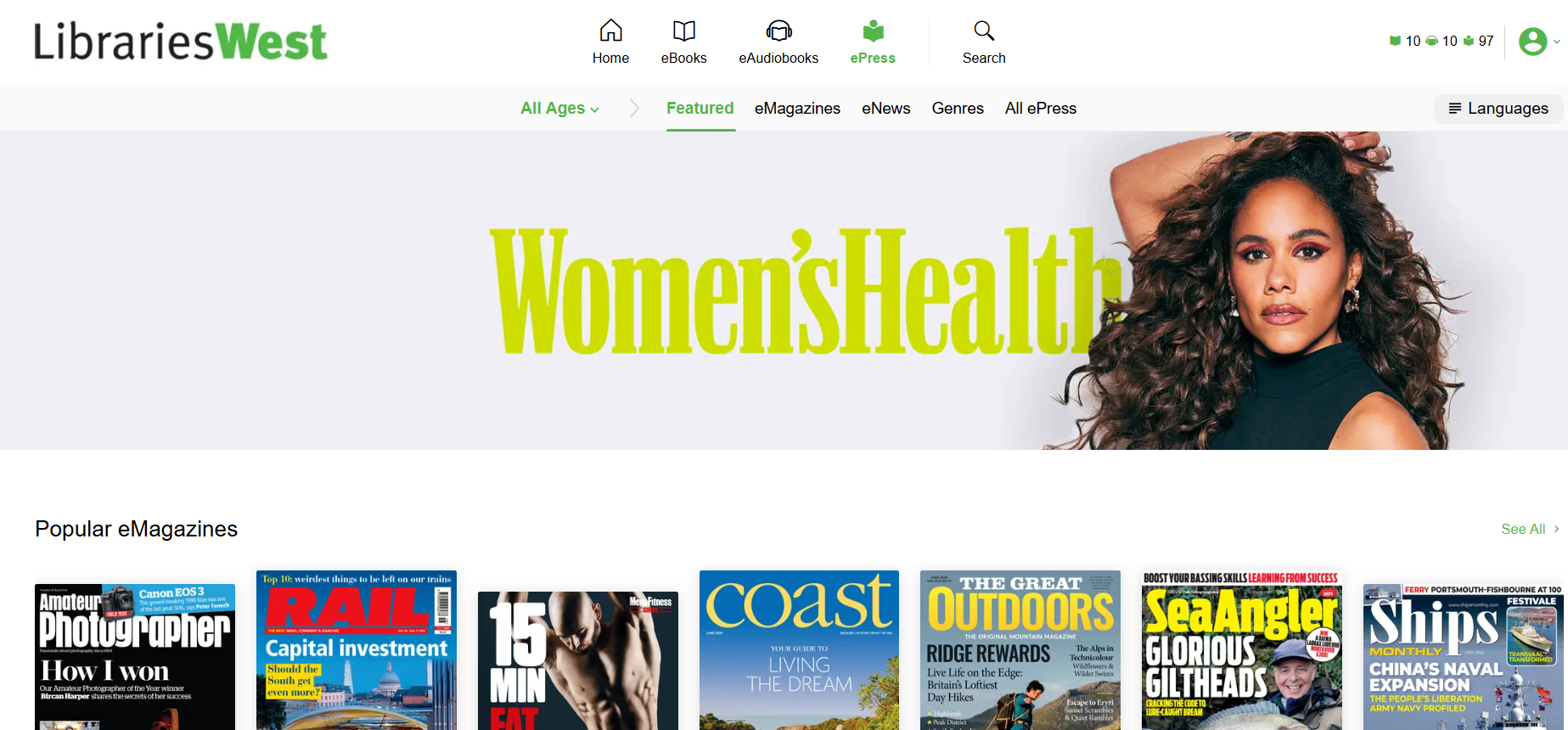
Search for "Bristol"
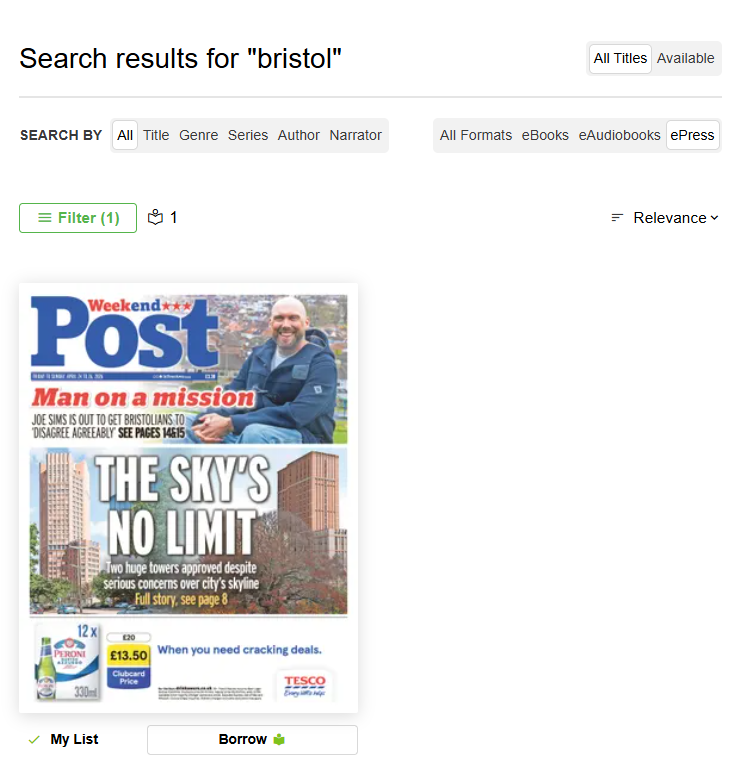
Click on "Borrow"
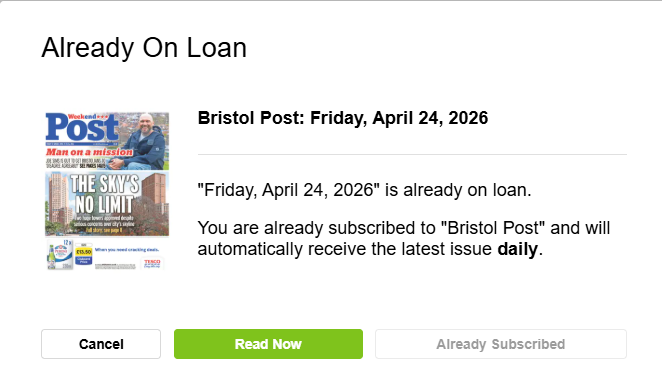
This screenshot shows it is "Already On Loan" as I have already subscribed.
You will have to option to read the latest item or you can subscribe (for free).
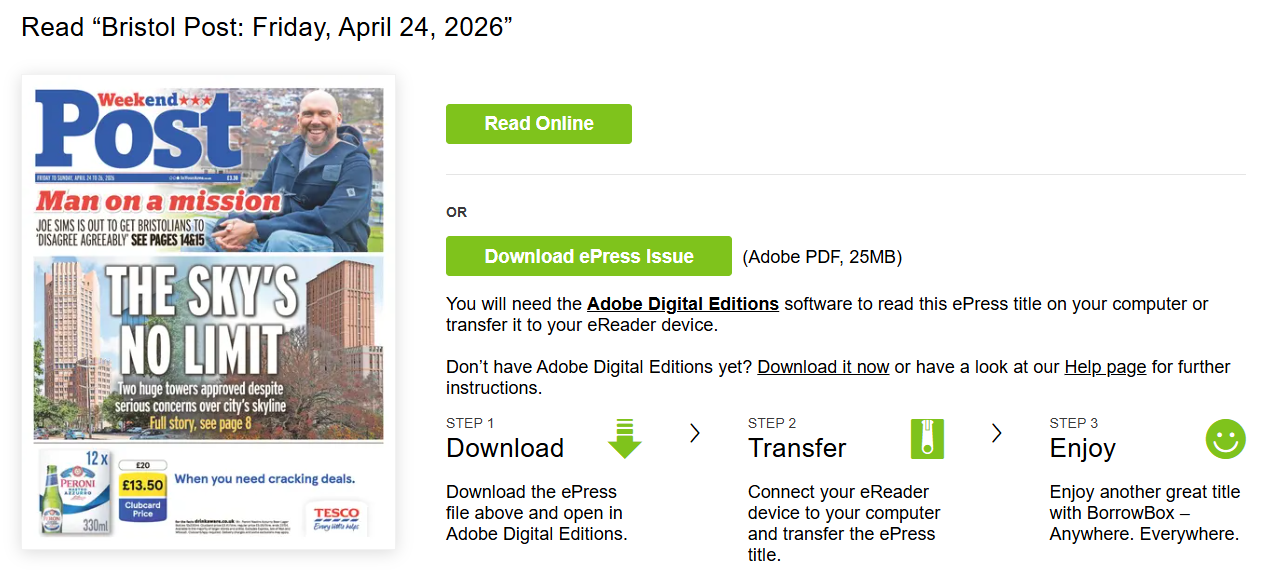
You can then choose to "Read Online" or "Download ePress Issue"
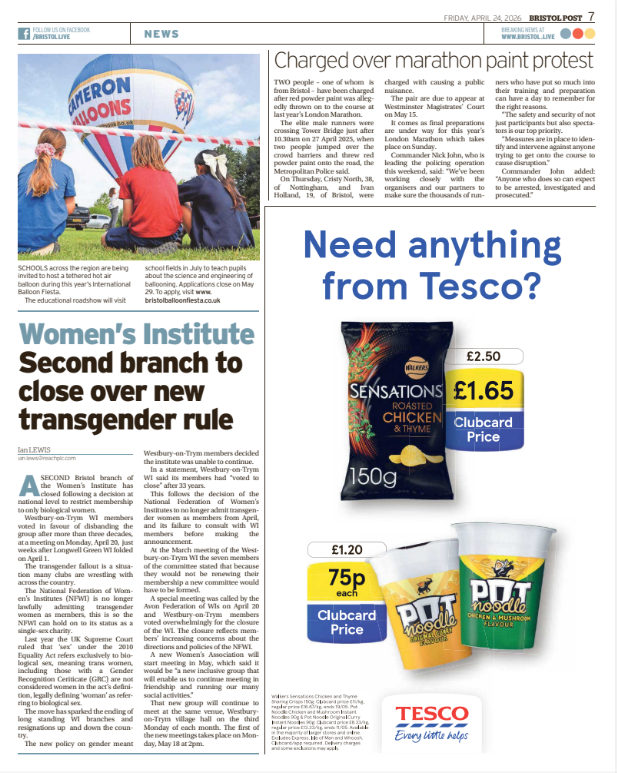
You still get adverts, but they are much less distracting than the ads that appear on Bristol Live.
So why not take advantage of the library services that we pay for, and read Bristol Post online. There are some differences:
Cannot comment on stories or read other peoples comments
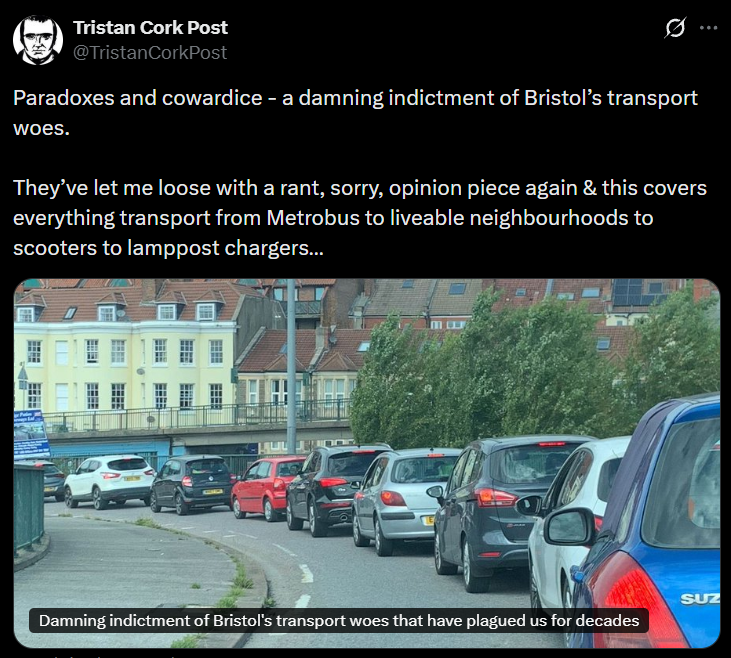
But it can be really hard to actually get to the comments on Bristol Live, and you will probably see better comments about the stories on X, Facebook and Next Door anyway.
Fewer Adverts
The print edition is much easier to read as the ads don't get in the way of you reading the articles.
Free
We already get access to Bristol Post via the library service, which we already pay for.
Layout
You can only read it in "paper" layout and cannot just select (or search for) one article.
But this should remind you of the experience you had when you used to read the paper version (I know some people still do).
For younger people who never read "The Post" in paper form, they can treat it as a "retro" experience. Like listening to 80s music, or going on a "physical date" instead of using an app.
"Premium Articles"
I am not sure if the "Premium" articles are published in the "Paper" version. I have asked the question and am waiting for the answer.
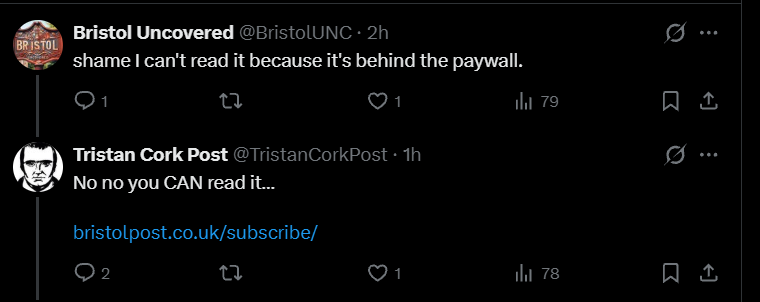

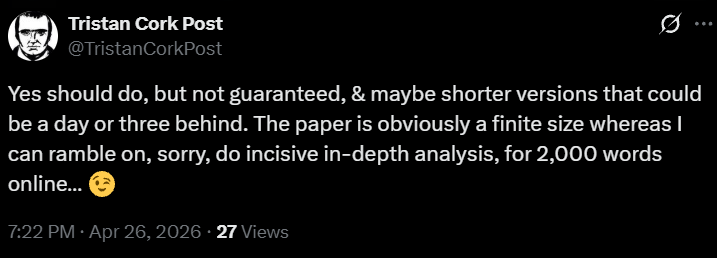
Once you are set up you just need to visit https://bristol.borrowbox.com/ or use the app on your phone.
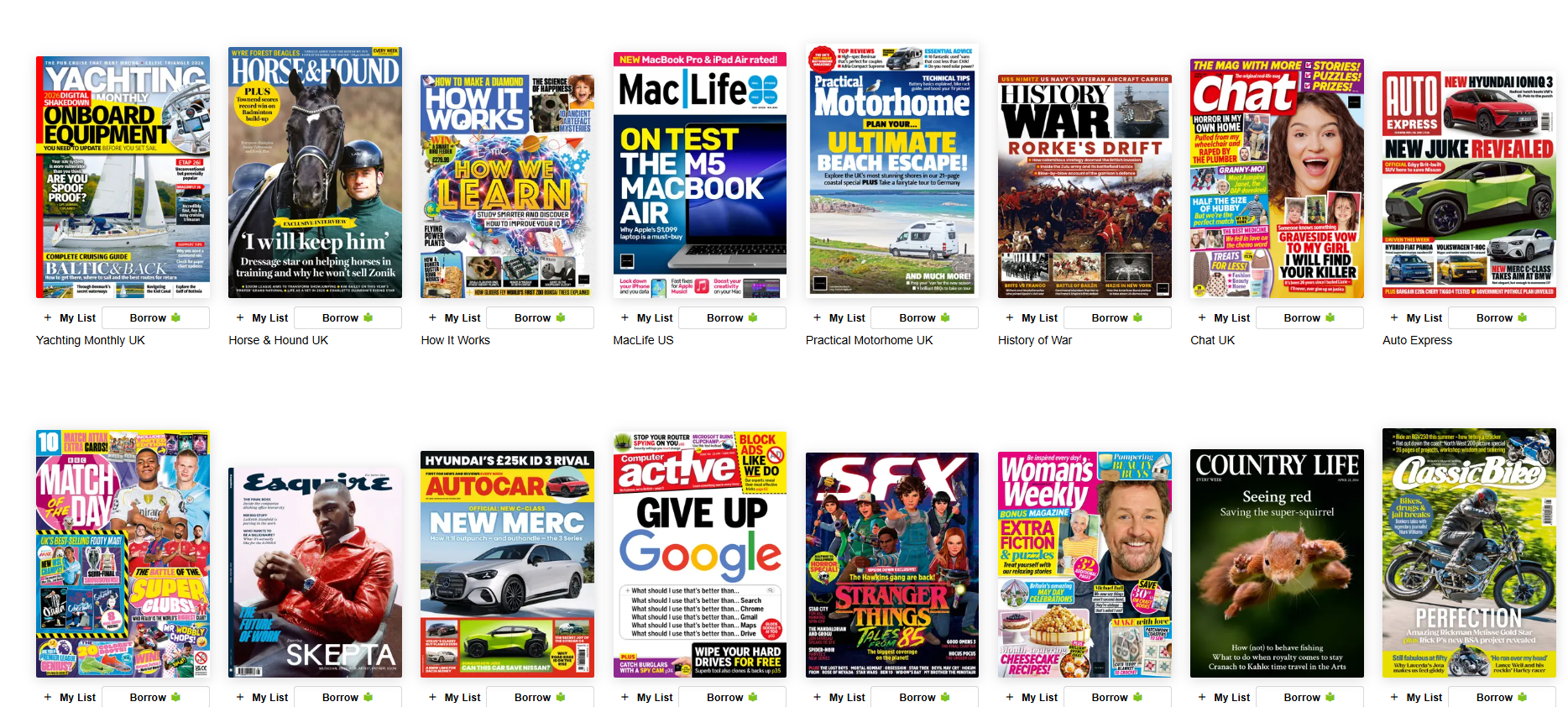
There are also loads of other papers and magazines you can borrow.
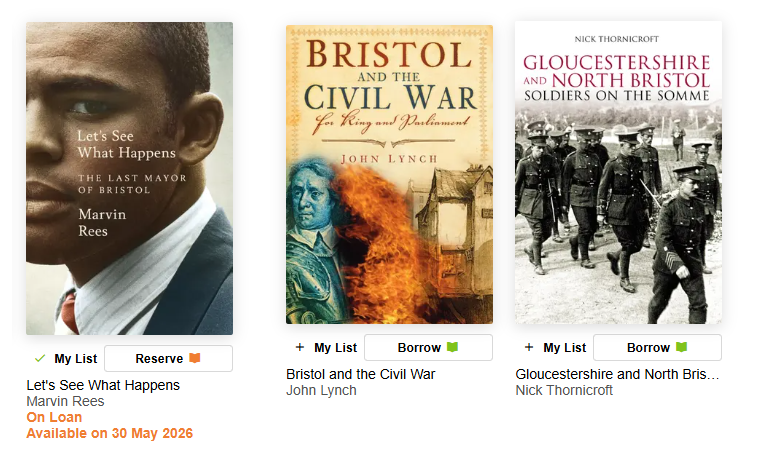
You can also borrow books, but if you want to borrow the Marvin Rees biography you will have to wait until it comes back from loan on 30 May. But there are other Bristol related books that are available to borrow now.
Comments ()